
We use cookies to understand how customers use the site and to measure our advertising. See our Privacy Policy.
Finishing
Die cutting
Custom shapes and clean, cut-to-form edges that make a piece feel finished.
Die cutting turns a flat printed sheet into a custom shape: rounded cards, contour-cut stickers, shaped tags, and folding cartons that pop together. We cut to a die line in your file, so the final piece matches exactly what you designed.
For short and variable runs we cut digitally with no tooling cost, and for high volumes we use steel-rule dies for speed and perfectly repeatable edges. Either way the result is a crisp, accurate cut with tight registration to your print.
What we do
Steel-rule die cutting
Tooled dies for high-volume runs with fast, perfectly repeatable shapes.
Digital cutting
No-tooling cutting for short runs, prototypes, and one-off custom shapes.
Kiss-cutting
Cut the face material but not the backing, so stickers and labels peel cleanly.
Tight registration
Cuts align to your artwork and bleed so shapes and borders stay even.
Laser cutting & engraving
Wood, acrylic, and specialty materials cut and engraved in-house. The detail work steel-rule dies can’t do.
Three ways we cut
The job picks the blade: tooled speed for straight lines, a knife for contours, a laser for the detail work.
Straight cuts at production speed: cards, tags, and packaging blanks.
Contours, kiss-cuts, and short-run custom shapes with no tooling.
Wood, acrylic, and detail work a steel edge can’t hold.
Common applications
- Custom-shaped cards
- Stickers & decals
- Hang tags
- Folding cartons
- Pocket folders
- Door hangers
The equipment
Duplo DC-618
Slits, cuts, and creases finished sheets in one pass. Cards, tags, and packaging blanks at production speed.
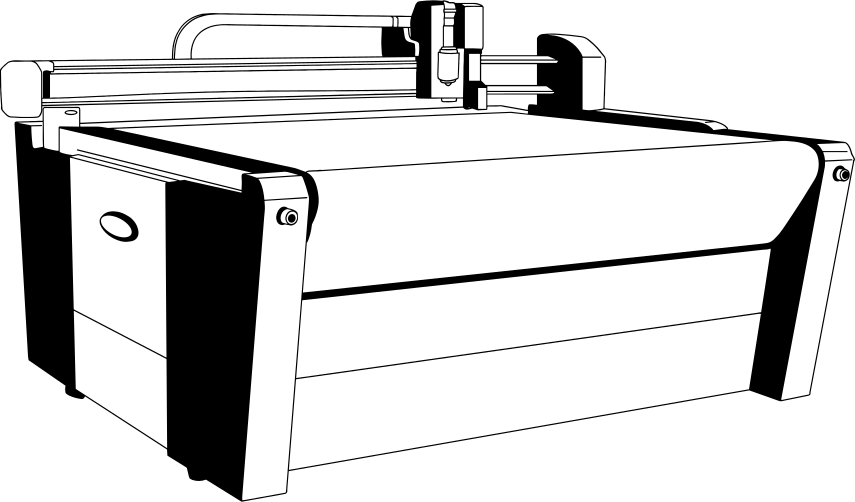
Summa F1612
Contour-cuts, kiss-cuts, and creases everything from sticker sheets to rigid board. The shape-maker of the shop.
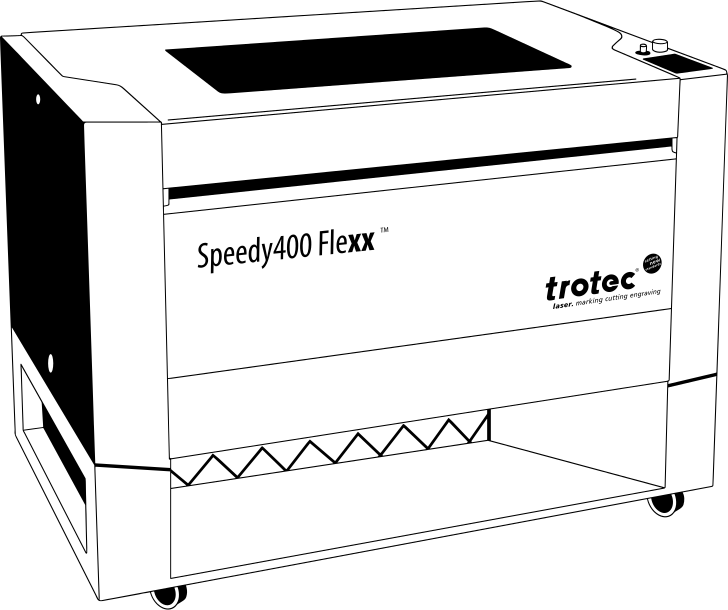
Trotec Speedy 400
Cuts and engraves wood, acrylic, and specialty materials for displays, signage, and the details that make a build feel finished.
Frequently asked questions
Do I need a die line in my file?
Ideally yes. A vector die line on its own layer tells us exactly where to cut. If you don’t have one, we can help build it from your artwork.
Is there a tooling charge?
Digital cutting has no tooling cost and is great for short runs. Steel-rule dies have a one-time tooling charge that pays off on larger or repeat runs.
What’s the difference between die cutting and kiss-cutting?
Die cutting cuts all the way through the material; kiss-cutting cuts only the top layer so a sticker stays on its backing until peeled.
Ready to start a die cutting order?
Upload your file and configure your order in minutes, or talk to our team about a custom job.